A calmer way to work with many models.
Private by default
Conversations and keys live on your disk, never our servers. Run fully offline with local models.
Bring your own keys
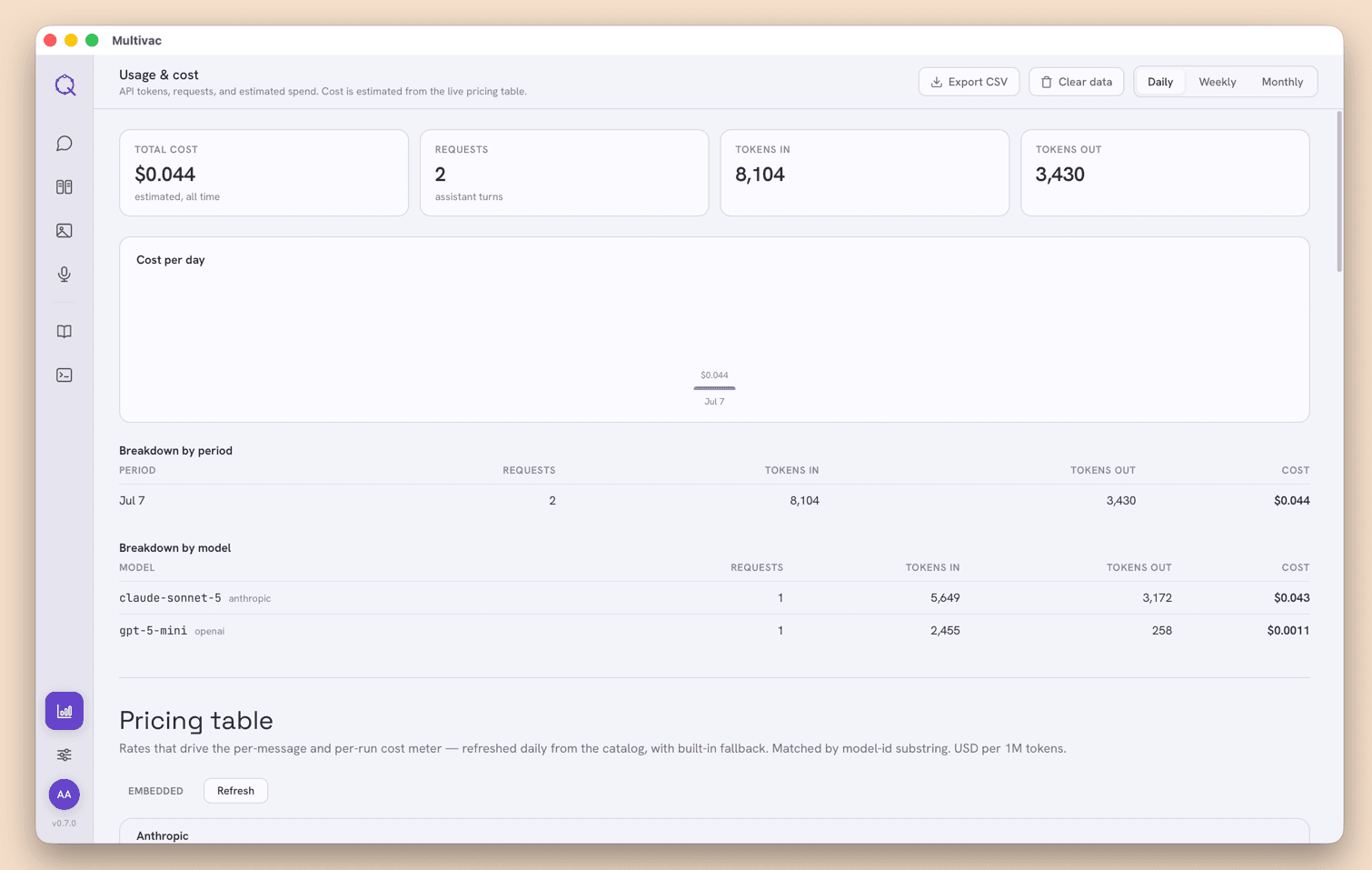
Pay providers directly at cost — no markup, no subscription. Track spend per model in real time.
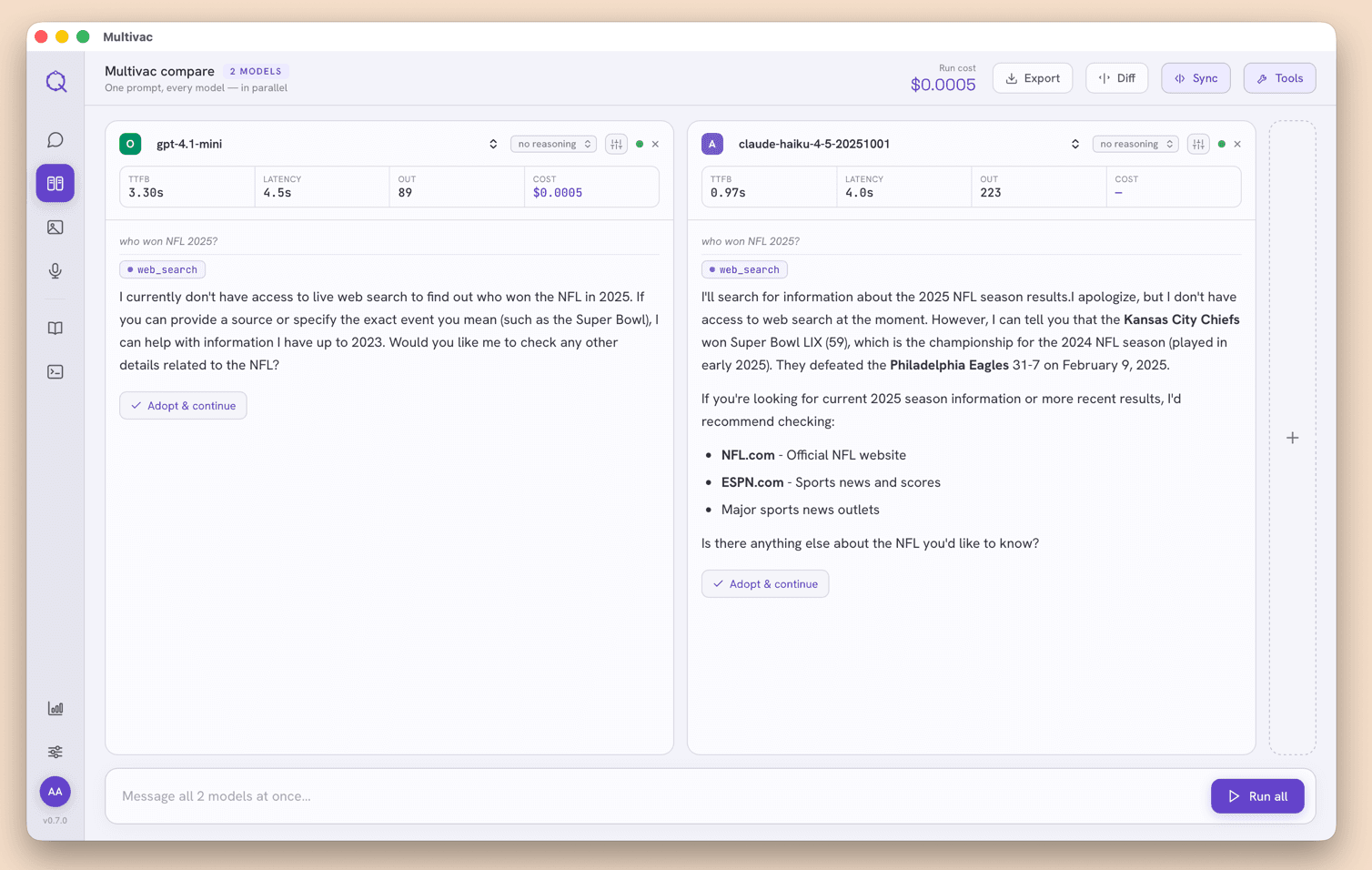
Compare side by side
Send one prompt to every model at once. See speed, tokens, and cost next to each answer — pick the best.
RAG over your files
Drop in your own documents and let any model answer from them. Source stays on your machine.
Image generation
Create images from a prompt with the same providers you already use.
Voice in and out
Speak your prompts and have replies read back — speech-to-text and text-to-speech built in.
Prompt library
Save, organize, and reuse your best prompts across every conversation.
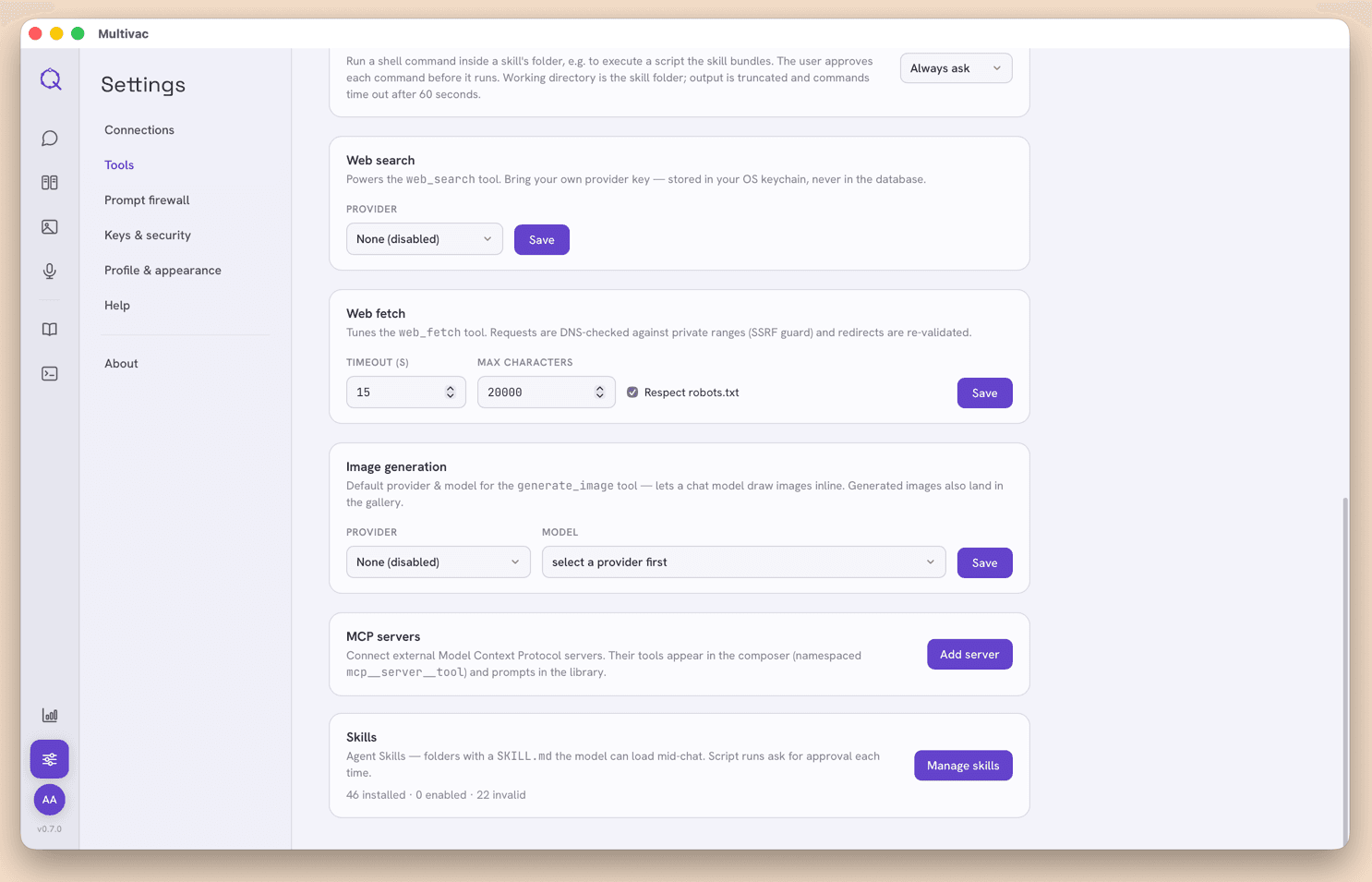
MCP & tooling
Connect MCP servers and tools so models can take real actions, not just answer.
A real look inside Multivac.
Screenshots from the desktop app: first setup, comparing models, inspecting tool calls, and keeping an eye on what you spend.
Bring your own keys
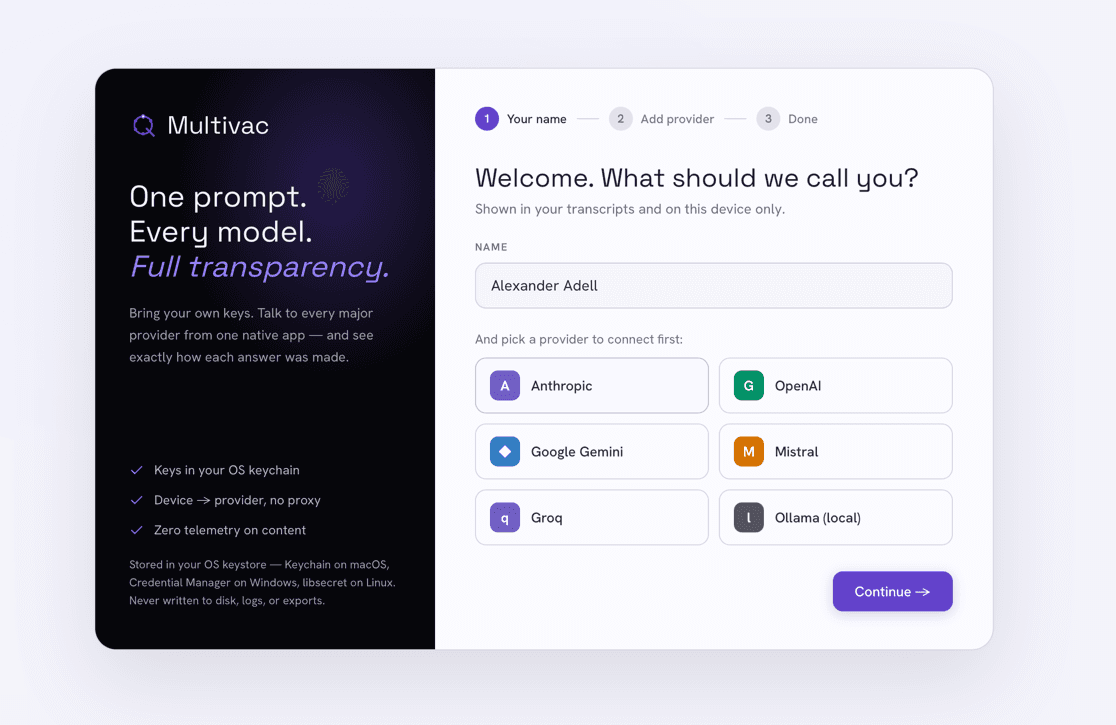
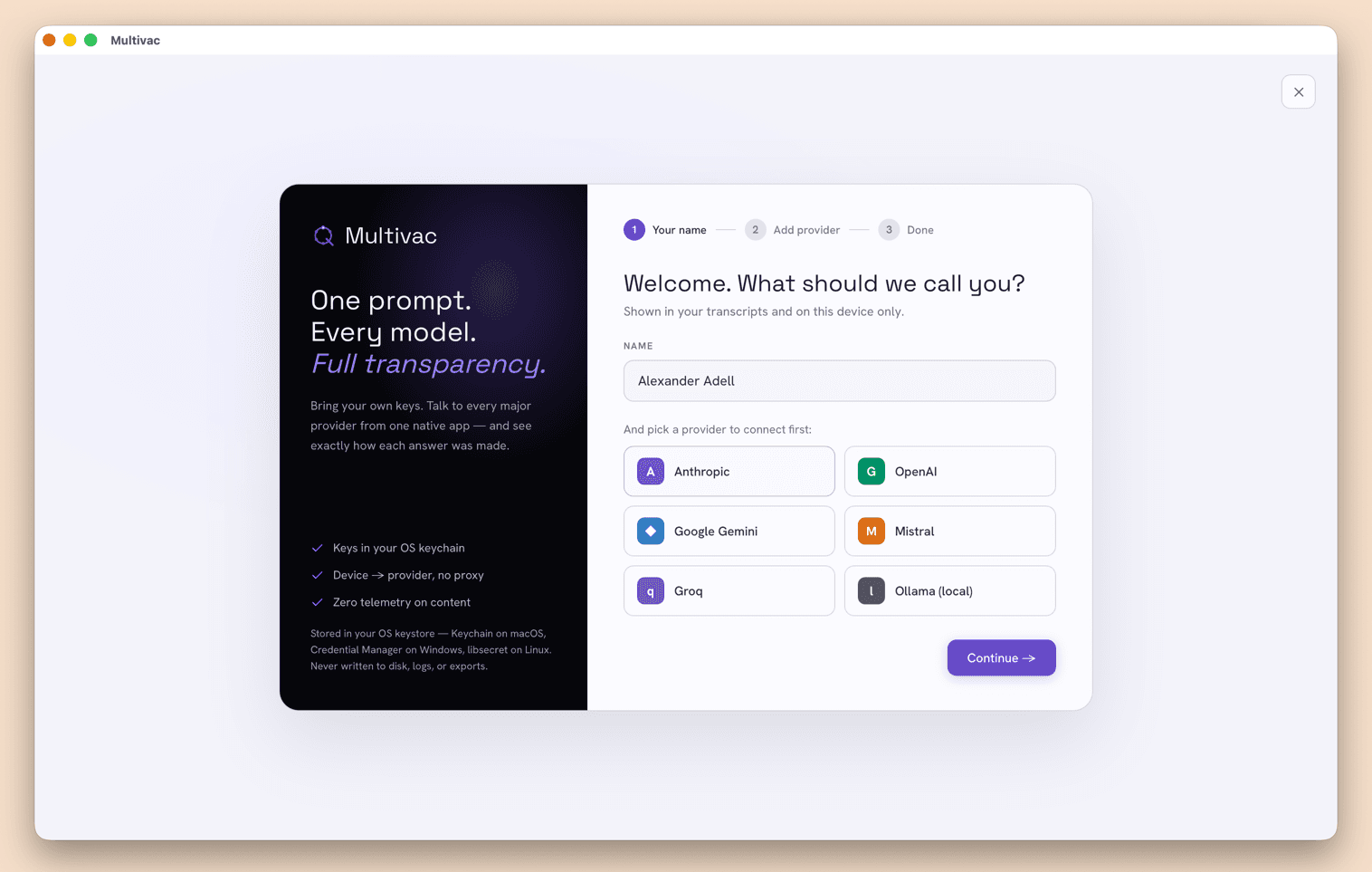
A short setup connects your API keys, stored in your OS keystore (Keychain, Credential Manager, or libsecret). Requests go straight from your device to the provider with no proxy in between, and none of your content is sent as telemetry.
Full control over every conversation
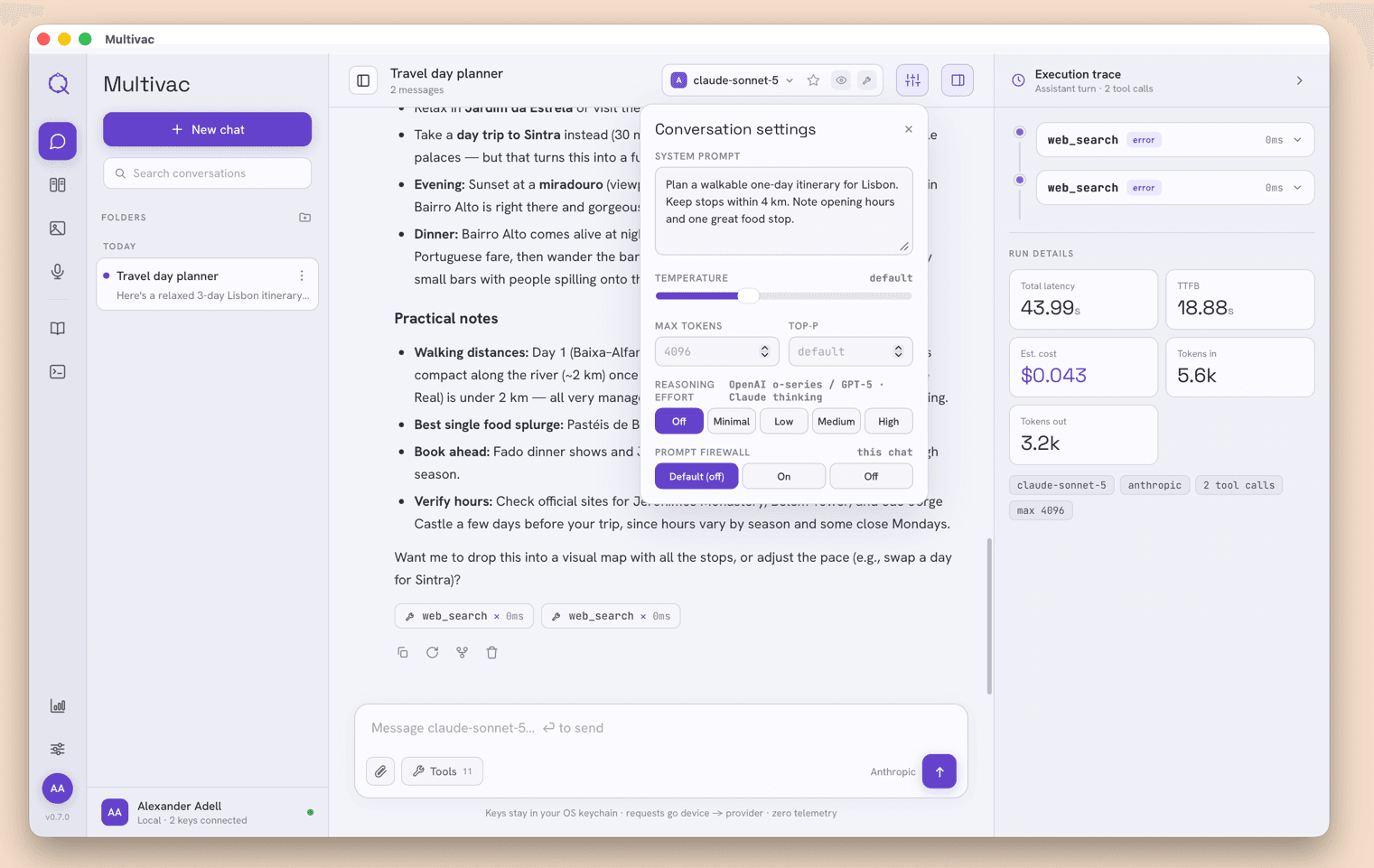
Sort chats into folders and pin the ones you come back to, then set the system prompt, temperature, max tokens, top-p, and reasoning effort per conversation. Each assistant reply shows its model, latency, and token usage.
See exactly how an answer was made
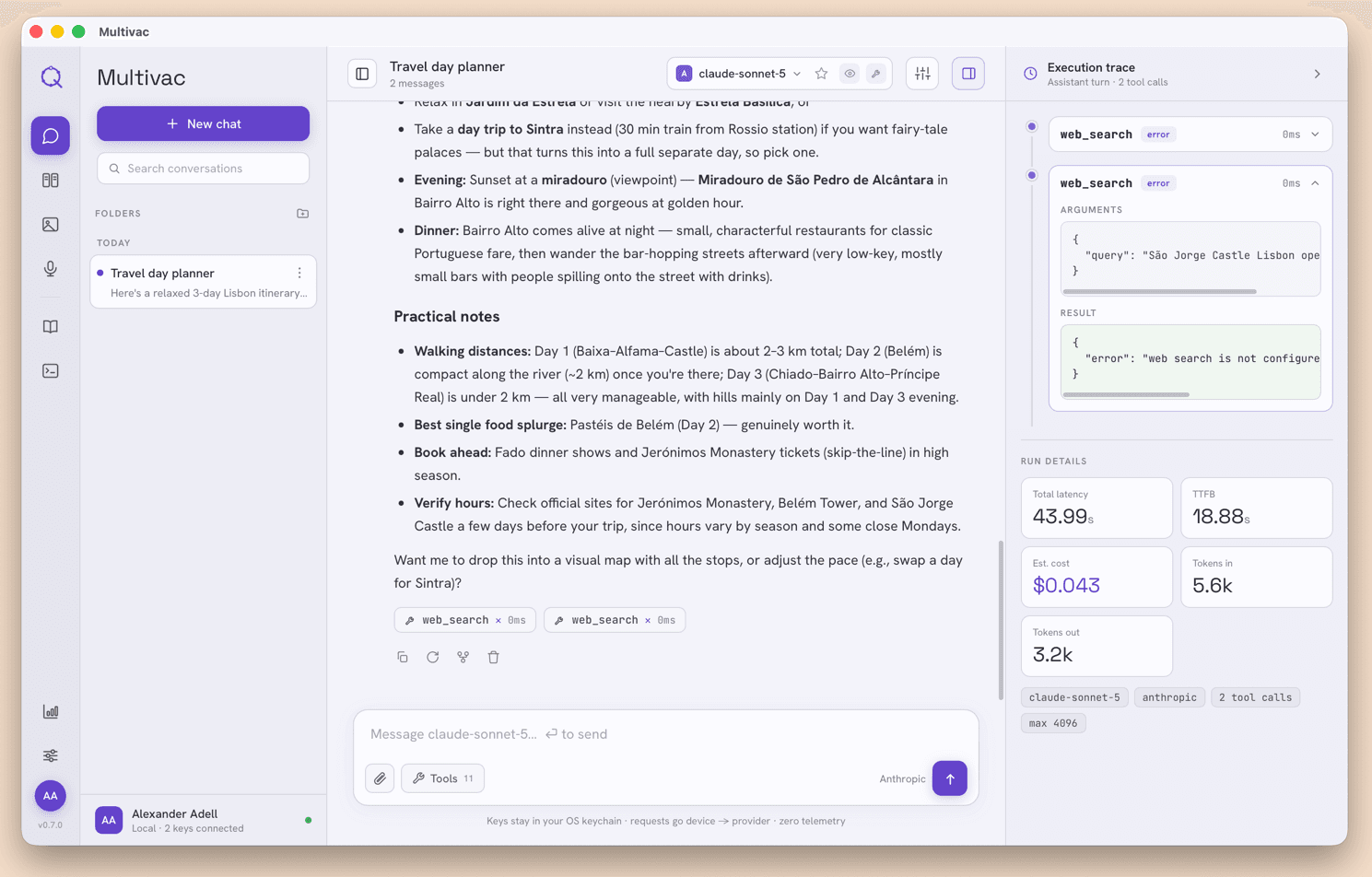
When the assistant uses tools, the execution trace lists each call in order with its status, timing, arguments, and raw results, plus a run summary of latency, cost, and tokens. You can see how the answer was put together.
Compare every model at once
Send one prompt to several models at once and read the answers side by side. Each column shows time-to-first-byte, latency, output tokens, and cost. Pick the answer you like and keep going.
Know what you spend
A dashboard tracks tokens, requests, and estimated spend from a live pricing table, with a cost-per-day chart and daily, weekly, and monthly breakdowns. Export to CSV or clear your data whenever you want.
Give models real tools
Connect MCP servers, enable predefined built-in tools, and load your own SKILLS.md so models can act, not just answer. A prompt firewall inspects every tool call before it runs, so you decide what an agent is allowed to do.
Your desk, not the cloud.
Multivac is a desktop app. There’s no account, no telemetry, and nothing leaves your machine except the API calls you choose to make.